



One Player. Every Device.
Your Brand, Not Ours.
No credit card required. By clicking Start Free Trial you agree to our terms and conditions.










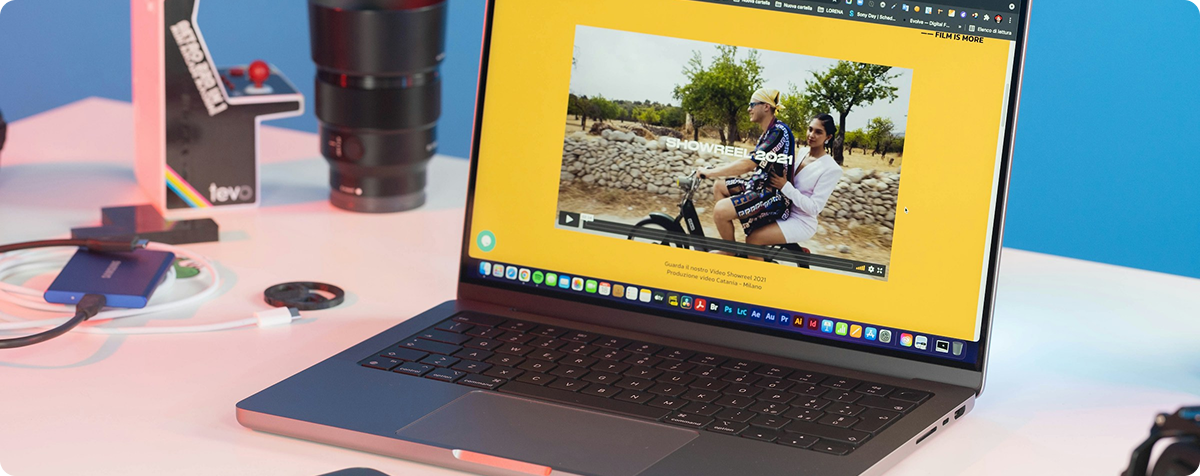
A Player That Disappears Into Your Brand
Everything Your Player Needs to Do
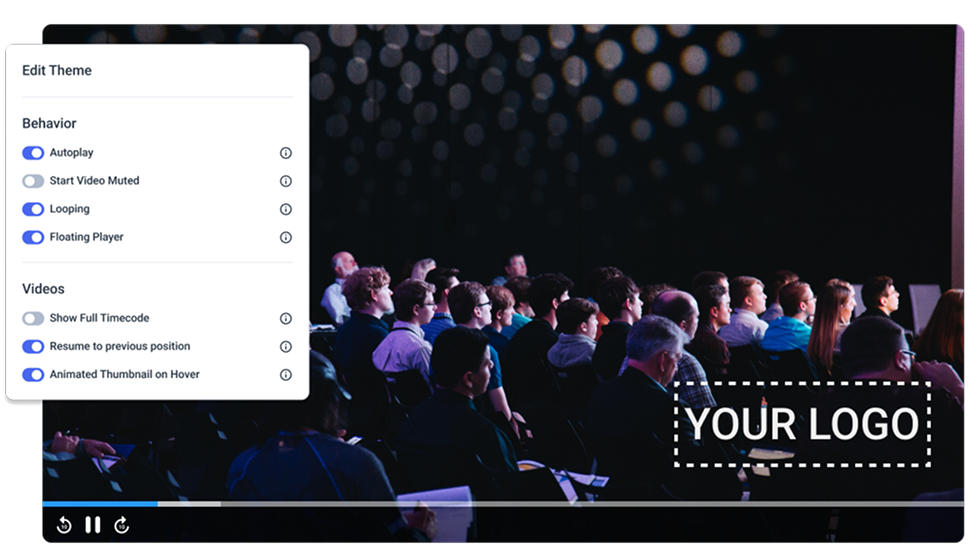
- White-Label CustomizationCustomize the player with your logo and colors. No Dacast branding appears anywhere in the viewer experience.
Customize:- Logo and color scheme
- Custom domain via CNAME
- Full removal of Dacast branding
Explore branded delivery - Universal Device CompatibilityHTML5 playback works natively in modern browsers and on smart TVs, with no plugin or app install required.
Plays on:- iOS and Android devices
- Desktop and mobile browsers
- Smart TVs
- Embed AnywhereAdd the player into your website, mobile app, or smart TV app using an embed code, iframe, or SDK.
Embed into:- Any website via iframe or JavaScript
- Your own mobile app via iOS and Android SDKs
- Smart TV apps
Explore integrations

- Live Captions and SubtitlesAdd captions to live streams and subtitles to on demand video, so more viewers can follow along.
Supports:- 608 and 708 live captions
- Subtitles on any on-demand video
- Multiple language tracks
- Chapter Markers for On-Demand NavigationLet viewers jump directly to the part of a video they want, instead of scrubbing through the whole thing.
Useful for:- Lecture and training content
- Long-form event recordings
- Multi-segment on-demand libraries
- Audio-Only Streaming SupportStream audio without video for podcasts, radio-style broadcasts, or music content, using the same player and dashboard.
Works for:- Podcasts
- Radio-style live broadcasts
- Music and audio events
Explore Live Streaming
What Sets the Dacast Player Apart
How Different Teams Use the Dacast Player

Secure Organizational Communication
Distribute internal content, train teams, and communicate securely while maintaining full control over access and delivery.
All-Hands / Town Hall
Stream company-wide leadership meetings to distributed employees, with access controls that keep the broadcast internal.
Recurring Training Broadcasts
Run scheduled internal training sessions at scale, with access controls and on-demand replay for latecomers.
Government Department Communications
Stream public hearings, council meetings, and internal briefings with password protection and domain-level access controls.
Internal Event Series
Manage an ongoing calendar of live broadcasts (HR updates, product launches, leadership Q&As) from a single secure platform.

Engaging Learning Experiences
Deliver courses, training programs, and educational content in a secure environment that’s easy to manage and access.
Commencement & Graduation
Stream graduation ceremonies to families worldwide with a branded player. In country delivery inside mainland China is available as an add on.
Lecture Capture & VOD
Every live lecture saves automatically to your video library as on demand video. Embed it in your LMS or course pages with the player.
Athletics Broadcast
Live stream games and sports events with reliable delivery for large concurrent audiences.
Campus Event Archive
Build a searchable video library of university events accessible to students and alumni on demand.
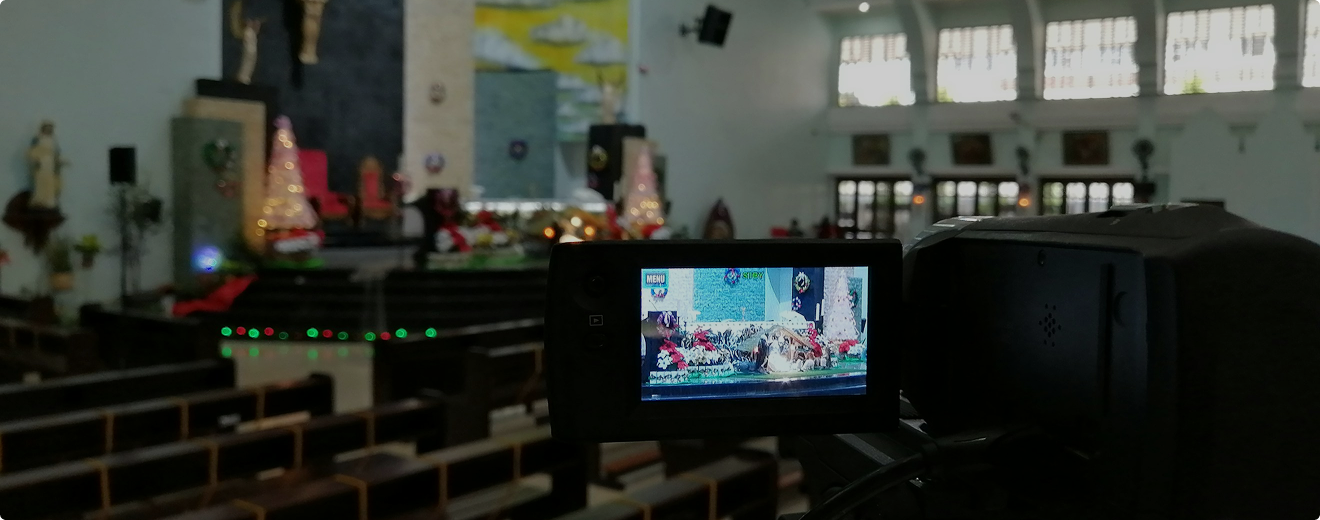
Reliable Community Streaming
Stream live services, share sermons on demand, and keep your congregation connected anytime, on any device.
Weekly Live Service
Go live every Sunday with a one-click workflow your volunteers can run confidently, week after week.
Sermon Archive
Store and organize every past service in a branded video library your congregation can access anytime.
Remote & Homebound Reach
Bring services to members who can't attend in person, extending ministry beyond your physical walls.
Multi-Campus Simulcast
Send your main service to satellite campuses or partner congregations live. One production crew, multiple rooms.
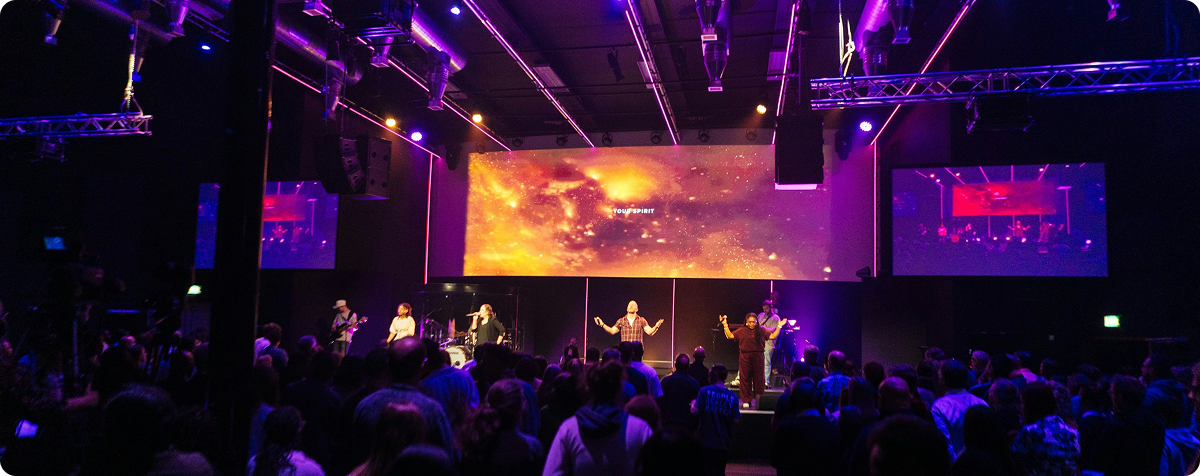
Scalable Event Production
Deliver branded streaming experiences for your clients, manage multiple events and projects from one place, and grow your production business without adding complexity.
Multi-Client Event Management
Run simultaneous events for multiple clients with fully isolated accounts.
White-Label Delivery
Present a fully branded streaming experience to each client with no Dacast watermarks and your agency identity front and center.
Reusable Event Templates
Duplicate past event setups in minutes so your team can onboard new clients fast without rebuilding from scratch.
Monetization
Sell tickets, run pay-per-view, or gate premium content per client, and keep more of the revenue with agency-tier pricing.
Trusted by 2,000+ Organizations







Frequently Asked
Questions
- Can the player be fully white-labeled?Yes. The player can be customized with your logo and colors, and Dacast branding is fully removed.
- Does the player support closed captions?Yes. The player supports 608 and 708 live captions, and subtitles can be added to any on-demand video.
- Can I embed the player in my own mobile app?Yes. iOS and Android SDKs let you embed the Dacast player directly into your own mobile app.
- Does the player work without a plugin?Yes. The player uses HTML5 playback, which works natively in modern browsers and on smart TVs with no plugin or app install required.
- Can I do an audio-only stream?Yes. Uncheck the video option in your encoder settings, and your stream will play through the same player as an audio-only broadcast.
- Can I use chapter markers on my on-demand videos?Yes. Chapter markers let viewers jump directly to a specific section of a video instead of scrubbing through the whole recording.
Give Every Viewer a Player That Feels Like Yours
See What You’ll Pay
Transparent plans with published bandwidth and storage allowances.
Pricing Details