



Better Corporate Communication
Facilitate employee collaboration, improve internal training, and broadcast live events with a business-centric video streaming solution.
16 + years of providing quality
service to 2,000+ customers worldwide





Facilitate employee collaboration, improve internal training, and broadcast live events with a business-centric video streaming solution.

Host, monetize, and deliver your collection of entertainment-based videos to showcase projects and highlight your clients’ talent.

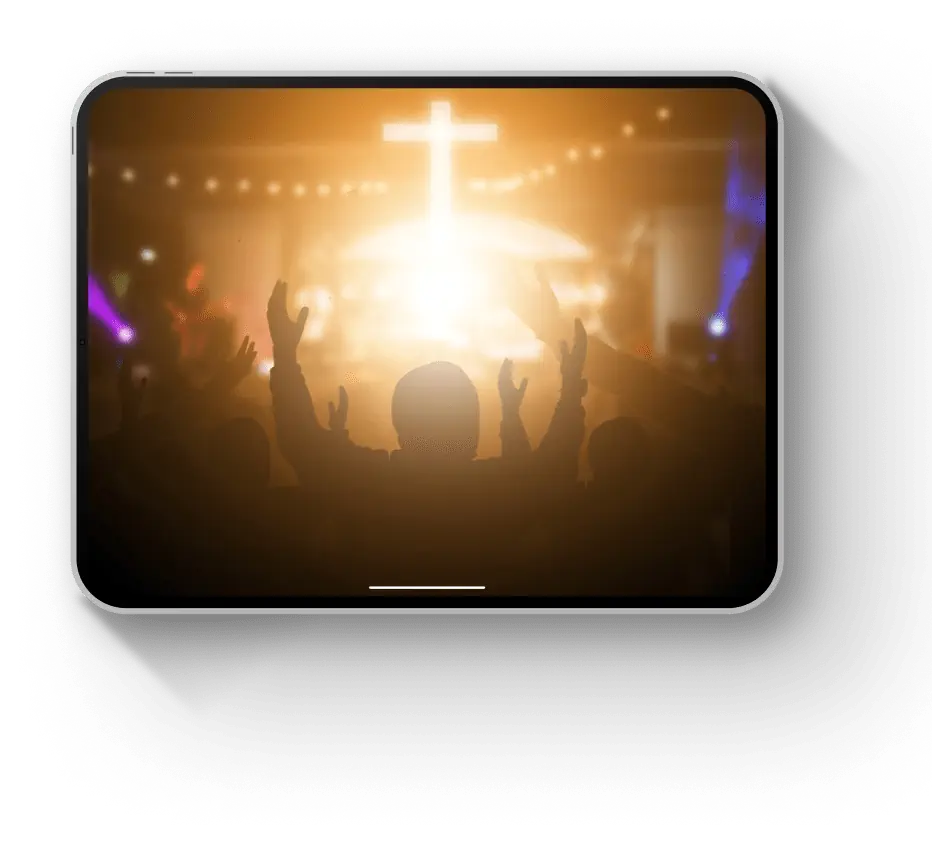
Use live video streaming to connect with your congregation and extend your reach to new members. Live stream sermons, events, and more.
Host live events on a secure platform with reliable content delivery. Access tools for customization, monetization, analytics, and more.

Connect with your audience through an online video portal. Share information to educate your community with reliable content delivery.

Capture the action of online sports streaming events with high-quality video. Broadcast with low latency to provide fans with real-time coverage.

Capture the action of sporting events with high-quality video streaming. Broadcast with low latency to provide fans with real-time coverage.
Facilitate employee collaboration, improve internal training, and broadcast live events with a business-centric video streaming solution.
Facilitate employee collaboration, improve internal training, and broadcast live events with a business-centric video streaming solution.
Use live video streaming to connect with your congregation and extend your reach to new members. Live stream sermons, events, and more.
Host live events on a secure platform with reliable content delivery. Access tools for customization, monetization, analytics, and more.
Connect with your audience through an online video portal. Share information to educate your community with reliable content delivery.

CEO at Cast
What I like most about our partnership with Dacast is their reliable support.
Read my story


Founder at AdagioX
Dacast suits our streaming needs, and has made it possible to scale and grow with ease.
Read my story


Owner at Twin Galaxies
It’s hard for me to imagine working with any broadcasting partner besides Dacast.
Read my story

14 days free
No credit card required
10 GB of bandwidth