



In this OBS Tutorial for Dacast, we will discuss how to set up a live stream by connecting the Dacast streaming solution to OBS Studio, a free and open-source broadcasting software with integrated encoding capabilities. This guide is for the Windows version of the encoder. Video tutorial available here. Step 1: Add Details to Broadcast Setting Open […]
Category Archives: KNOWLEDGE BASE
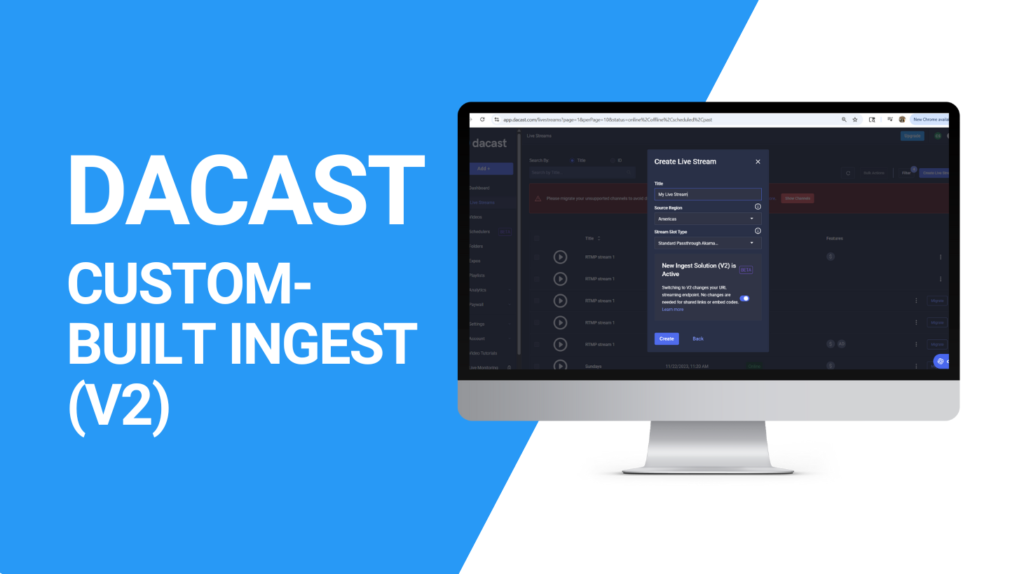
We are excited to introduce our new Dacast Custom Ingest Solution (V2), designed to deliver faster, more stable, and more flexible live streaming. With this new infrastructure, you’ll experience better performance and more control over your streams. ⚠️ : Users who created their account on or after July 15, 2025 are not affected, as all […]

This guide will show you how to simulcast your live stream from Dacast to X (formerly Twitter) using custom RTMP settings. This setup requires: A Dacast Live Stream Access to X Media Studio A software encoder that supports multi-destination streaming (e.g., OBS, vMix, Wirecast, Restream) Step 1: Create an RTMP Source in X Media Studio […]

We’re excited to introduce the Floating Player, a new feature to enhance your viewing experience. This addition ensures that your video content remains visible as you scroll through a page, providing a smooth and uninterrupted way to enjoy your favourite content. How the Floating Player Works The Floating Player automatically activates when you scroll down […]

M3U8 URL links play a very important role in live and VOD streaming. Video players use the information in these text files to locate audio and video files for a stream. An M3U8 link is a crucial component of HLS streaming technology, enabling the integration of your stream with mobile apps and Smart TV apps […]