



5 Essential Tools: Live Broadcasting for Media and Event Agencies

In 2026, media and event agencies aren’t just “adding” live streaming anymore. They’re expected to deliver it as a packaged, reliable service alongside production, promotion, and post-event content. Clients want hybrid experiences that look broadcast-quality, run smoothly on any device, and scale globally without technical drama. They also expect measurable outcomes (registrations, watch time, leads, sponsor impressions) and controls that protect the event (security, access rules, and brand-safe playback).
That’s why the winning approach isn’t chasing one perfect platform, it’s building a repeatable live broadcasting stack you can deploy fast across different venues, budgets, and client requirements. In other words, this guide breaks down the five essential tool layers agencies use to deliver consistent, client-ready streams: production + encoding, connectivity, syndication, monetization, and secure playback at scale.
TL;DR (the 5-tool stack agencies actually need in 2026):
- Production + Encoding (clean feed, graphics, redundancy)
- Connectivity + Contribution (bonded uplink, failover, reliable ingest)
- Syndication + Distribution (one upload → many destinations)
- Monetization + Access Control (tickets, PPV, subs, registration gates)
- Playback + Security + Scale (HTML5 player, ABR, CDN, anti-piracy controls)
Agencies add live streaming because audiences have moved there. In fact, Streaming hit record highs as a share of TV viewing in recent Nielsen Gauge reporting.
Table of Contents
- Why live broadcasting is now a standard agency deliverable
- The 5 Tool Layers Behind Every Reliable Agency Live Stream
- 1. Production + encoding tools
- 2. Connectivity + contribution tools
- 3. Syndication + distribution tools (maximize reach without multiplying bandwidth)
- 4. Monetization + access tools (turn the stream into revenue)
- 5. Playback + security + scale tools
- A simple “agency-ready” packaging idea
- FAQ
- Conclusion
Why live broadcasting is now a standard agency deliverable
In 2026, clients don’t see live streaming as “nice to have.” They expect it as part of the event package, especially for hybrid conferences, product launches, town halls, and sponsor-driven experiences.
And the shift away from traditional viewing continues: streaming keeps setting new records, including 47.5% of TV viewing in the U.S. in December 2025 per Nielsen’s Gauge update.
For agencies, the opportunity is straightforward:
- Higher engagement: independent analytics has shown live sessions averaging ~26 minutes in some datasets (varies by platform and content).
- Pipeline + ticket lift: marketing roundups commonly cite Eventbrite-based findings that watching live video can increase ticket-buying likelihood.
- More sponsor inventory: live gives you real-time ad reads, lower-thirds, mid-roll breaks, and branded segments you can package.
Now, let’s get practical.
The 5 Tool Layers Behind Every Reliable Agency Live Stream
Below are the five “tool layers” that separate smooth agency productions from stressful, reputation-risk streams.
1. Production + encoding tools

This is how you turn cameras and audio into a broadcast-ready program feed, especially when you need consistent quality across different venues, crews, and timelines.
Non-negotiables in 2026
At a minimum, your production setup should include:
- Scene switching + graphics: lower thirds, bumpers, sponsor slates, countdowns
- Clean audio routing: separate program + backup audio paths
- Local recording: always capture an ISO or program record for post-event deliverables
- Backup encode path: a second laptop/encoder profile you can switch to fast
Agency pro tips
To stay efficient, build a repeatable show package (intro, stingers, sponsor frames, outro) so every event feels “TV-level” without reinventing the wheel. Likewise, standardize presets for 720p/1080p and fixed keyframe intervals so freelance operators don’t improvise.
Quick checklist (production):
Before you hit “Go Live,” confirm:
- Program feed + backup feed tested
- Graphics pack loaded + spellings verified
- Audio meters checked (no clipping)
- Local recording enabled + storage confirmed
2. Connectivity + contribution tools
Most agency failures aren’t cameras, they’re uplink and last-mile surprises.
Non-negotiables in 2026
- Bonded connectivity (multi-SIM / bonded cellular) for venues with uncertain Wi-Fi
- Failover plan (secondary ISP, backup hotspot/router, or satellite where appropriate)
- Pre-event network test at the same time of day as showtime (venue networks change)
Why this matters
Simply put, viewers are impatient: research on large-scale traces found abandonment increases when startup delay exceeds ~2 seconds, with abandonment rising by ~5–6% per additional second.
Quick checklist (connectivity):
- Primary uplink measured (up/down, jitter, packet loss)
- Backup uplink on a different carrier/network
- Venue firewall/ports confirmed (no last-minute RTMP surprises)
- “Safe mode” stream profile ready (lower bitrate ladder)
3. Syndication + distribution tools (maximize reach without multiplying bandwidth)
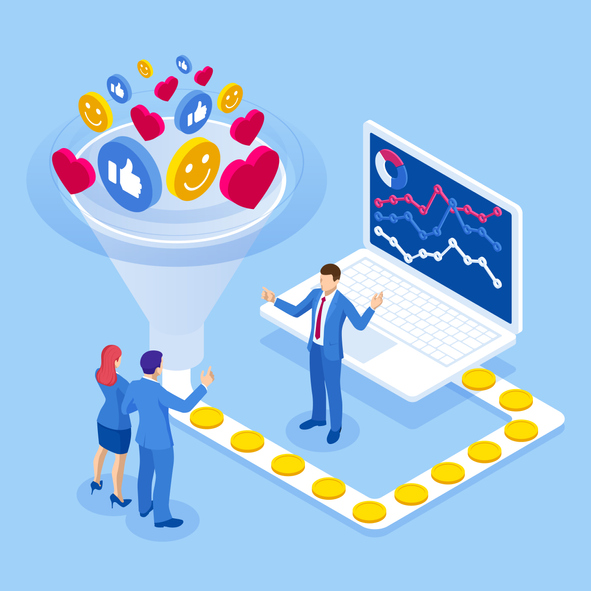
Clients want the stream everywhere: embedded on a landing page, plus social channels, plus internal portals.
What syndication does
A syndication tool lets you send one contribution feed and distribute it to multiple destinations, reducing onsite bandwidth pressure and operational complexity.
2026 best practice: “Owned-first, social-second”
- Put the primary experience on a branded page you control (registration, sponsor placements, analytics).
- Use social platforms for top-of-funnel discovery, then drive to the owned page for conversion.
Quick checklist :
- Destination accounts connected and permissions verified
- Test event created on each destination (private/unlisted)
- UTM tracking links ready for social posts
- Embed page QA’d on mobile + desktop + CTV browser where relevant
4. Monetization + access tools (turn the stream into revenue)
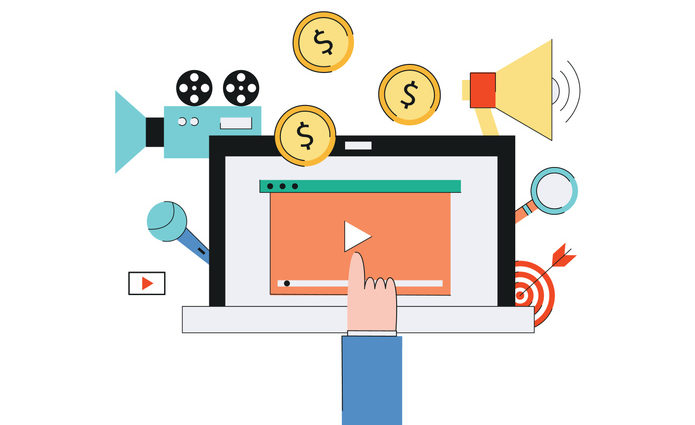
Even when the event is “free,” agencies monetize through tickets, sponsors, or gated access (for lead capture and compliance).
The three core models
To choose the right approach, start with how your client wants to package access and measure ROI:
- Pay-per-view (PPV / TVOD): best for one-off events, premieres, workshops
- Subscriptions (SVOD): best for recurring series, member programs
- Ad/sponsor-driven (AVOD): best for broad reach and brand-funded events
Just as important, clients don’t just want payment, they want proof:
- exportable sales/registration lists
- basic conversion reporting
- post-event viewer analytics for sponsor decks
Quick checklist (monetization):
Before you go live, confirm the business details and deliverables:
- Pricing + refund policy confirmed
- Access window set (replay duration, region limits)
- Sponsor deliverables mapped (lower thirds, ad reads, bumpers)
- Post-event report template ready (KPIs + screenshots)
5. Playback + security + scale tools

In practice, this layer is what protects your brand when the audience is large, global, and unforgiving.
Playback essentials
To start, prioritize the fundamentals that keep streams fast and reliable across devices:
- HTML5, all-device player (reliable on modern browsers and mobile)
- Adaptive bitrate streaming (ABR) so viewers on weak networks still watch
- CDN delivery for scale and geographic performance
Additionally, Akamai and other CDNs also publish ongoing guidance on reducing buffering and improving streaming performance through edge and ABR optimizations.
Security essentials (especially for paid or internal events)
Meanwhile, piracy and illegal streaming remain significant, industry reporting and measurement firms track massive volumes of piracy-site visits and ongoing enforcement actions.
At minimum, agencies should look for:
- Password protection (client previews, private rehearsals)
- AES encryption (baseline protection for premium streams)
- Geo/IP restrictions (territory rights)
- Referrer/domain restrictions (limit playback to approved sites)
Quick checklist (platform):
Finally, confirm the operational basics before you go live:
- ABR ladder defined for the event (720p/1080p tiers)
- Security rules applied (domain/geo/password as needed)
- Playback tested on iOS/Android + desktop browsers
- Analytics verified (real-time + post-event export)
A simple “agency-ready” packaging idea
To keep scope tight and margins healthy, offer tiered packages:
- Starter: single destination embed + basic analytics + standard encoder profile
- Pro: simulcast + registration gate + sponsor graphics pack + replay delivery
- Enterprise: multi-track/multi-room + stricter security + API workflows + SLA support
FAQ
What is live broadcasting for media and event agencies?
Live broadcasting is the end-to-end workflow agencies use to capture, produce, secure, and deliver a real-time event stream to viewers – often across an owned landing page plus selected social platforms.
Do live streams reduce in-person attendance?
In many categories, live streams act as marketing and access expansion rather than replacement. Event marketing research frequently cites increases in ticket-buying likelihood after watching live content (use this as directional evidence and validate per audience).
What’s the biggest technical reason live events fail?
Most often, it’s connectivity and startup performance issues. Research on large streaming traces shows abandonment rises sharply once startup delay exceeds ~2 seconds.
What security controls matter most for paid or private events?
At minimum: encryption, password/registration gates, domain restrictions, and geo/IP restrictions, plus operational controls (limited admin access, rotating keys, rehearsed incident response).
Conclusion
In 2026, “we can stream it” isn’t a differentiator- streaming it flawlessly is. Agencies that standardize a five-layer tool stack (production, connectivity, distribution, monetization, platform delivery/security) can launch faster, reduce show-day risk, and deliver better post-event reporting.
If you’re evaluating a professional platform to power client broadcasts, Dacast offers a 14-day free trial and can help you map the right workflow for your event requirements.
For more regular tips on live streaming, as well as exclusive offers, you can join our LinkedIn group.
