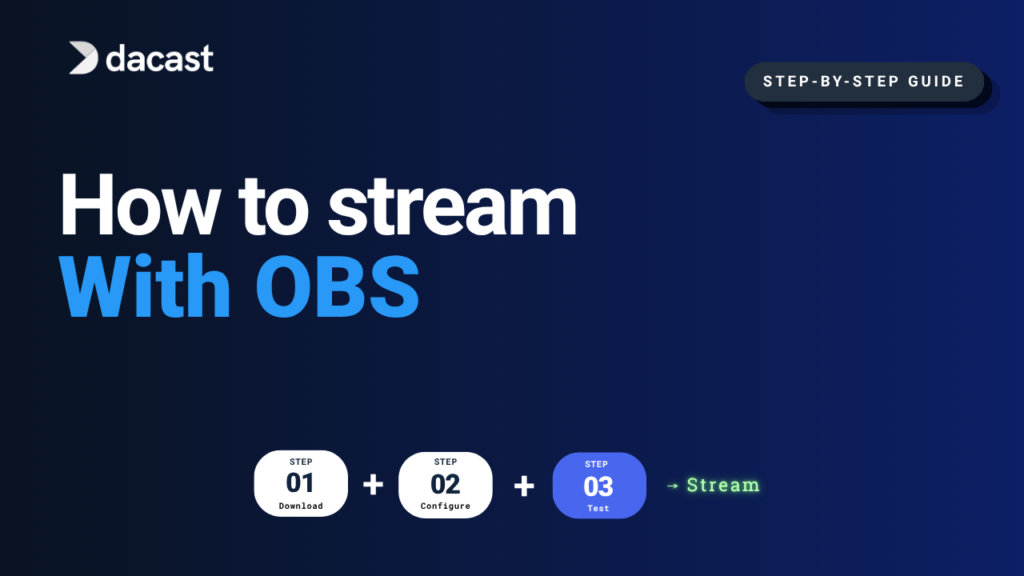
Want to go live using OBS Studio and Dacast?
This step-by-step tutorial shows you exactly how to connect OBS to Dacast so you can start streaming in HD quality to your audience anywhere in the world.
We’ll walk you through the RTMP setup, encoder configuration, and stream key connection so your live broadcast runs smoothly and professionally.
For more resources:
OBS Settings Guide 👉 https://www.dacast.com/blog/best-obs-studio-settings/
How to Use OBS 👉 https://www.dacast.com/blog/how-to-use-obs-professional-video-streaming/
In this video, you’ll learn how to:
– Download and set up OBS Studio for live streaming
– Configure RTMP settings and copy your Dacast stream key
– Adjust bitrate, resolution, and frame rate for best performance
– Start streaming live directly from OBS to your Dacast channel
– Test and monitor your stream in real time
Perfect for creators, event producers, and businesses looking to deliver professional live video streaming without complex setups.
Start your free Dacast trial today:
For more guides & tutorials: https://www.dacast.com/streaming-knowledgebase/