Welcome to the ultimate Dacast tutorial, your all-in-one guide to professional streaming!
This complete video brings together 8 step-by-step demos to help you master every feature of the Dacast video platform, from creating your account to configuring advanced API integrations and analytics.
Whether you’re streaming live events, hosting on-demand videos, or monetizing your content, this full tutorial will show you exactly how to set up, customize, secure, and optimize your streaming workflow.
What you’ll learn in this full tutorial:
1️⃣ How to sign up and access your Dacast dashboard
2️⃣ How to create and configure a live stream
3️⃣ How to connect OBS Studio and stream via RTMP
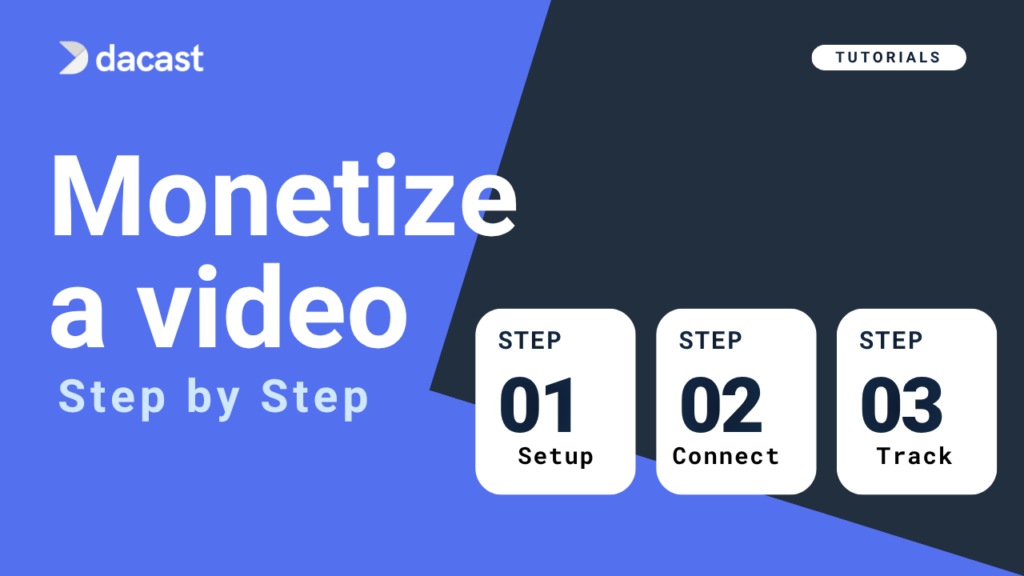
4️⃣ How to embed your player and enable paywall monetization
5️⃣ How to use Paywall & Multistreaming to reach more viewers
6️⃣ How to manage Advertising, Analytics & Security settings
7️⃣ How to configure API, Encoding & Video Settings for automation
8️⃣ How to use Advanced Security, Customization & Analytics tools
Ideal for creators, event organizers, and enterprises who want to stream professionally and securely — without technical complexity.
Start streaming like a pro with Dacast today: 👉 https://www.dacast.com/signup/
Need help or more tutorials? https://www.dacast.com/streaming-knowledgebase/