Want to go live in just a few clicks?
In this Dacast tutorial, we’ll show you exactly how to create and launch your first live stream, from setup to going live on your website or social media.
Whether you’re streaming an event, class, concert, or corporate meeting, Dacast makes it easy to broadcast in high quality, customize your player, and monetize your live content.
In this video, you’ll learn how to:
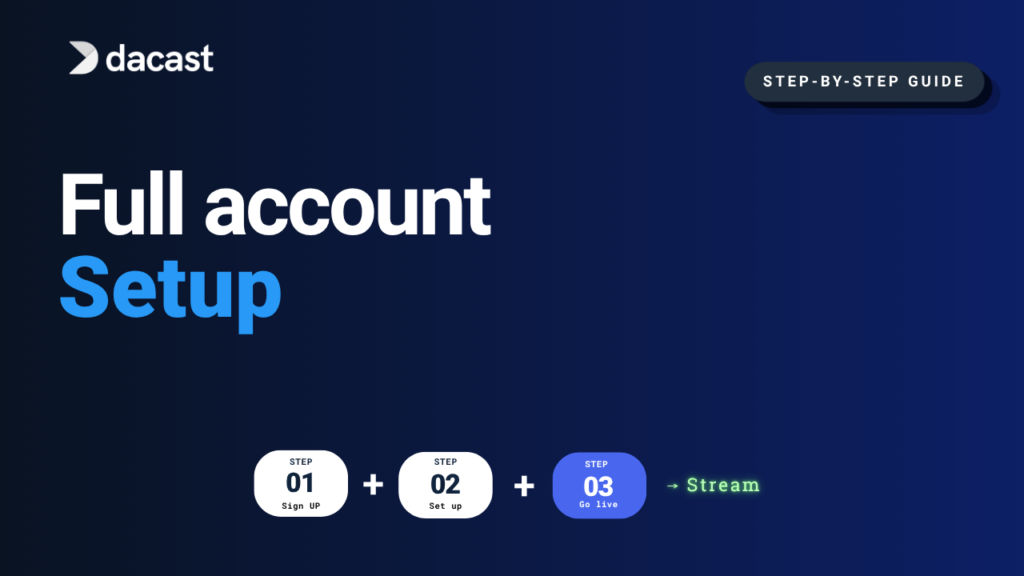
– Create a new live stream from your Dacast dashboard
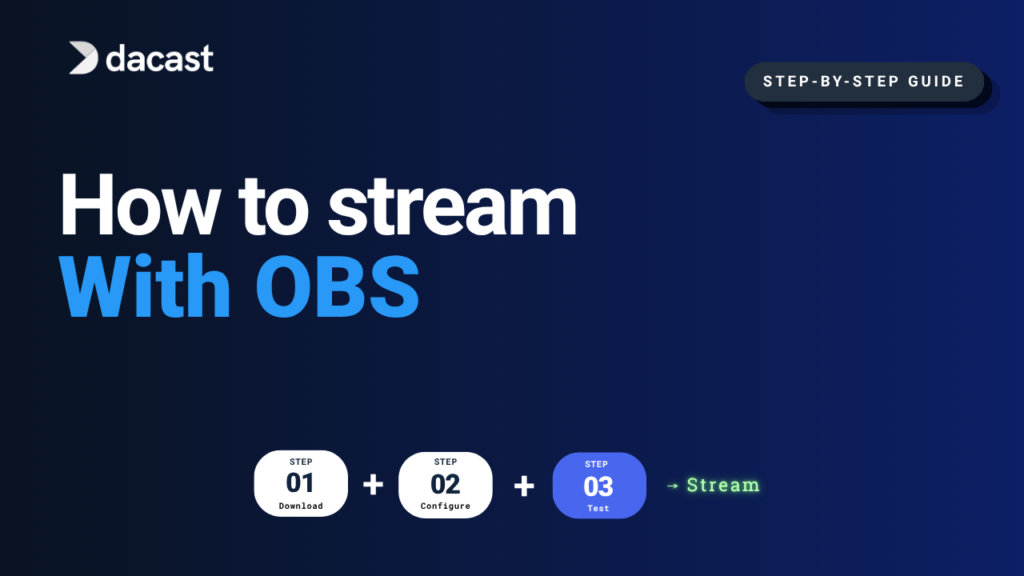
– Configure your encoder settings (RTMP, OBS, Wirecast, etc.)
– Customize your video player and thumbnail
– Embed and share your live stream anywhere
– Access analytics and monetization tools
Start streaming professionally today: https://www.dacast.com/signup/
Need help or more tutorials? Explore the Knowledgebase: https://www.dacast.com/streaming-knowledgebase/