



How to Live Stream a Government City Council Meeting Online (2026)

As a local official, it is your duty to keep your community informed and involved. You and your fellow councilmen make decisions on their behalf, so it is only right that they know what is going on in their municipality.
Live streaming council meetings, public meetings, and events is a great way to honor that duty and fulfill any transparency mandates.
In this post, we’re going to cover all things related to city council live streaming. To get started, we will talk about why city councils live stream meetings and events. We’ll briefly discuss a few types of events that local municipalities stream and run through the steps of hosting a stream of your own.
To wrap things up, we will talk about a few of the top government streaming solutions and how to choose the right one for your organization’s needs.
Without further ado, let’s jump into the whys and hows of city council live streaming.
TL;DR:
- City council live streaming improves transparency, accessibility, and public trust—especially when residents can watch live and replay later.
- In 2026, the “must-haves” are reliable delivery, clear public notices, live captions, and searchable archives(video + agenda + minutes).
- Use a two-link model: one link for the public livestream, another for public comment/virtual participation(Zoom/Webex/etc.) to keep meetings orderly.
Table of Contents
- Why are City Council Meetings Streamed Live?
- Types of City Council Live Streams
- Obtaining Permission and Posting Public Notices
- How to Host a City Council Live Stream (6-Step Checklist)
- Interacting with Viewers
- Recording and Archiving
- Evaluation and Improvement
- City Council Live Stream Solutions
- What to Look for in a Government Streaming Solution
- FAQs
- Conclusion
Why are City Council Meetings Streamed Live?

The main purpose of streaming city council meetings is to bring discussions that would typically happen behind closed doors to the public eye and to support the principle of open government.
The rationale here is that the decisions that are being made behind closed doors typically affect some, many, or all of the members in the community, so they are entitled to that information.
Since physically opening the doors to a meeting isn’t always ideal, many city councils and other government organizations opt to live stream meetings so that community members can “join” the discussion virtually.
Broadcasting these meetings is valuable for several reasons. Let’s take a look at a few of the reasons why city councils live stream their events.
Transparency Mandates
Although it is courteous to involve the community in meetings that discuss important decisions, some jurisdictions have public access requirements—such as those outlined in Sunshine Laws—that essentially require certain information to be made public.
Live streaming meetings among city officials is simply one way to meet public access requirements.
Accessibility and Convenience for Constituents
Even if you are willing and able to have members of the community attend your meetings, some people will not be able to attend. This could be because they are working or have other commitments, or it could be because they are physically disabled or homebound.
Broadcasting your meetings over the internet ensures that every member of your community, no matter their situation, has access to the materials you cover. Live streaming also enables remote participation, allowing individuals to engage with meetings in real time without being physically present.
If you choose a platform that includes video recording or auto-archiving, you can also make your videos available for playback at a later time. This way, constituents can watch it at their convenience or rewatch the video if they missed something.
Enhance Community Involvement
Most people do not have time to attend a city council meeting on top of their busy schedules. It is said that broadcasting these meetings stimulates community involvement.
Having access to the meetings from their smartphones and tablets gives constituents the ability to tune into the live stream while they’re going about their day-to-day lives. Even listening in while they multi-task gives them a sense of what is going on in the community.
Even if just a few people tune in, people will likely head to social media with their opinions and recap on the meeting minutes. This is especially popular since most neighborhoods have their own online communities and forums.
This can cause a ripple effect that makes the community aware of what’s happening, which often motivates them to seek the change that they desire.
Types of City Council Live Streams

City councils and other local government organizations find live streaming capabilities valuable for a few different reasons, including promoting government transparency by making meetings and events accessible to the public.
Here are some of the types of live streams that city councils host.
1. City Council Meetings
Your city council likely has regular meetings to discuss a predetermined docket of topics. Every once in a while, you’ll have something out of the ordinary like a town hall session or an emergency meeting.
No matter what the situation is, you can set up your live streaming equipment and start recording to take the real-time occurrences to the screens of your constituents.
2. Special Committee Meetings
Different organizations within your city will also meet to discuss individual projects and initiatives. Give them the opportunity to share their meetings with the public via live broadcast.
Providing this platform to these special committees is very empowering for the people who are pressing for positive changes. It shows that your city council is truly for the people.
These meetings could be easily incorporated into your official city live stream schedule.
3. Public Hearings and Quasi-Judicial Sessions
Zoning hearings, permit appeals, and other proceedings where public testimony matters.
4. Local Events and Announcements
Town halls, emergency briefings, community events, public forums.
Obtaining Permission and Posting Public Notices
1. Confirm your local open meeting rules
Requirements vary by jurisdiction, but open meeting guidance commonly stresses:
- meetings must be open to the public
- reasonable notice must be provided
- minutes must be taken
2. Publish the “watch live” and “participate” instructions separately
- Public livestream link: watch-only (stable, simple, embeddable)
- Participation link: Zoom/Webex/etc. for speakers, public comment, interpreters, and closed-caption coordination
3. Post a clear recording notice
Place signage in the room and a notice on the meeting page:
- the meeting is being livestreamed and recorded
- how public comment is handled
- how to request accessibility accommodations (captioning, ASL, language interpretation)
4. Accessibility isn’t optional
A practical baseline many governments align with is:
- Live captions for live audio (WCAG Success Criterion 1.2.4)
- For U.S. federal contexts, Section 508 requires support for captions (and related player controls).
How to Host a City Council Live Stream (6-Step Checklist)
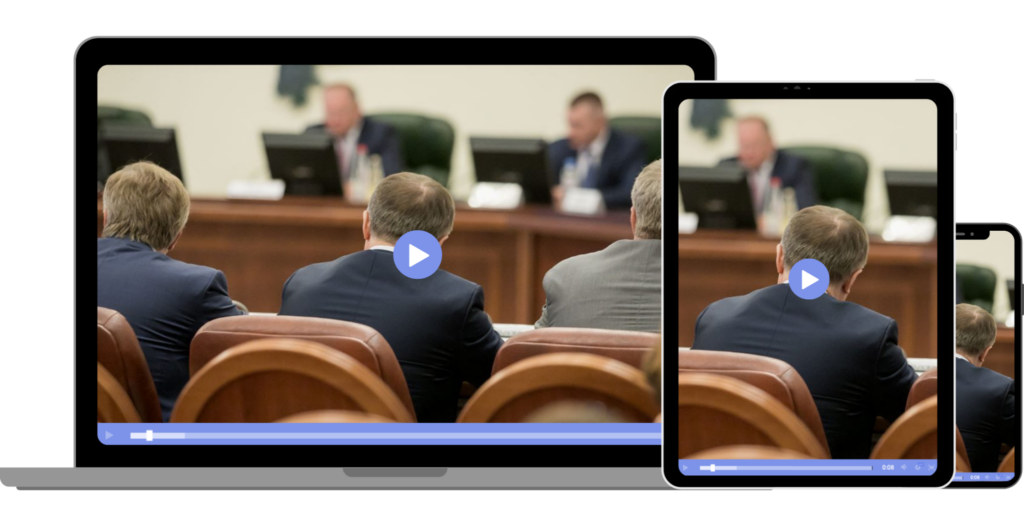
Hosting a live stream that shines a professional light on your government organization is attainable with the right tools and a little bit of preparation.
We’ve put together a quick guide on how to host a successful live stream to fulfill your public access requirements, connect with the community, and more.
1. Make a Plan (agenda-first workflow)
Start with what residents need:
- Meeting date/time, agenda, and supporting documents
- Where the video will live (website, meetings portal, app)
- Whether you’ll simulcast to social (Facebook/YouTube) in addition to your official site
2026 best practice: publish the agenda early and keep it consistent with your replay/archives so residents can reference decisions later.
2. Choose your production level (equipment)

You can start simple and scale up.
| Setup level | Best for | Minimum gear |
|---|---|---|
| Basic | Small towns, limited staff | Phone/tablet + tripod + external mic + stable internet |
| Standard | Most councils | 1–2 cameras + audio feed from room mixer + laptop running encoder |
| Pro | Large councils, committees, high viewership | Multi-camera + switcher + dedicated audio + backup internet + operator |
Audio matters more than video. If residents can’t hear names, motions, or votes clearly, the stream fails its purpose.
3. Choose a Streaming Solution
For government, your primary stream should live on an official web page you control (branding, notices, accessibility info, archives). Social platforms are great for reach, but they shouldn’t be your only home.
4. Connect an Encoder

If you’re using a camera/switcher workflow, you’ll need an encoder:
- Software encoder: OBS Studio (common starting point)
- Hardware encoder: easier operations, often more reliable for non-technical staff
An encoder is a very important piece of technology in the grand scheme of live streaming. It is what converts the RAW video files that your camera captures into streamable digital video files.
5. Test it Out
Run a rehearsal using the actual room, microphones, and internet path:
- confirm audio levels (including public mic)
- verify captions (latency + accuracy)
- confirm embed page loads on mobile
- verify backup plan (secondary internet or backup stream)
6. Start Your Stream
Day-of operations checklist:
- start stream 10–15 minutes early with a “Starting Soon” slide
- confirm recording is enabled
- confirm captions are visible/working
- have a moderator for chat/Q&A if enabled
Interacting with Viewers
Courtroom live streaming platforms are designed to provide an accessible and engaging experience for viewers. Many streams include features that allow you to adjust the volume for optimal listening or click on links to access additional case information, court documents, or related resources. However, it’s important to note that if you wish to participate in a court proceeding virtually—such as providing testimony or making a statement—you will need a separate link, often provided through platforms like Webex, which is not the same as the public livestream. Witnesses under sequestration must be especially vigilant: if you have watched or heard any part of the stream, you are required to disconnect immediately and inform the court to avoid any potential action that could affect the proceeding’s fairness.
Recording and Archiving
Strict guidelines govern the recording and archiving of courtroom live streams. Without prior written authorization from the court, it is prohibited to record, reproduce, or capture any part of a court proceeding, whether through audio recordings, video, screen captures, or photographs. Courts may choose to provide archived streams for educational or reference purposes, but these are typically made available only through official channels and with the necessary permissions. Proper management of these recordings is essential to uphold the integrity of the courtroom and ensure that all parties are aware of and comply with the rules regarding the use and distribution of court audio and video content.
Evaluation and Improvement
Use analytics and feedback to improve each month:
- peak concurrent viewers, average watch time
- drop-off points (often audio issues or long recesses)
- device mix (mobile vs desktop)
- top referrers (website vs social)
Then act on it:
- upgrade microphones before cameras
- add a second camera angle for speakers
- improve lighting and room acoustics
- publish clearer meeting pages and agendas
City Council Live Stream Solutions
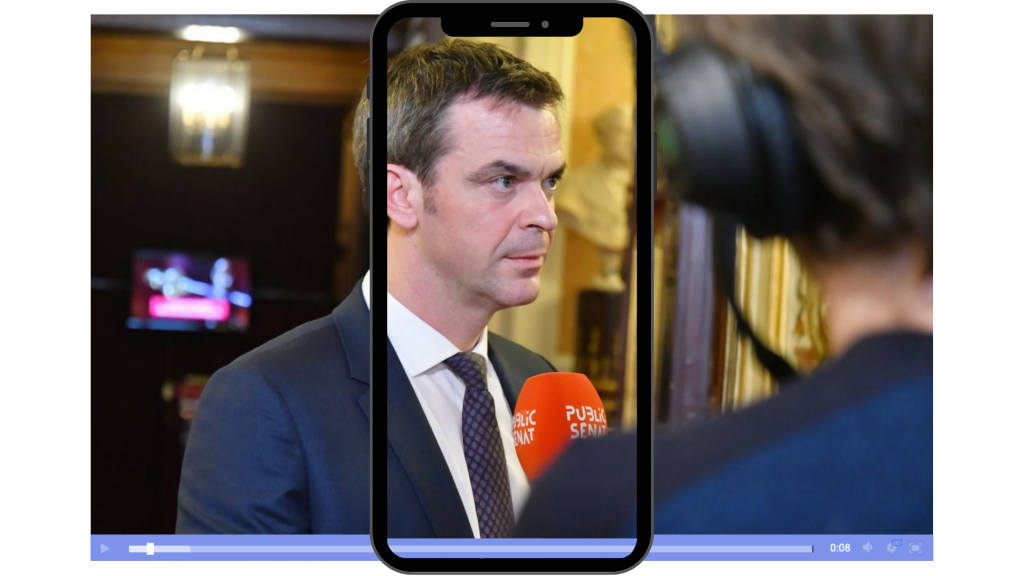
Below are common options municipalities consider. The best choice depends on whether you want a government-specific meetings portal or a general professional video platform you can embed anywhere.
1. Dacast
Dacast is a unified streaming solution that supports both live and on-demand video hosting. Our platform has all the tools you need for a successful city council live stream.
Best for: municipalities that want a professional, embeddable city council live stream with strong platform control
Standout strengths:
- Secure delivery options (password, referrer restrictions, geo restrictions)
- HTML5 embed + white-label player options (useful for official meeting pages)
- 14-day trial (commonly used for internal testing before procurement)
Pricing: Plans commonly start around $39/month (check current plan details).
2. Granicus Video / Swagit
Best for: local governments that want government-purpose-built meeting video workflows
Standout strengths
- Government-focused video solutions, including streaming and distribution options
- Streaming/distribution to portals and social destinations (positioned for government use)
3. CivicPlus Media + Agenda/Meeting Management
Best for: municipalities that want meetings + agendas + portal in one ecosystem
Standout strengths
- Designed around agendas, minutes, and public meeting workflows
- Positioned with accessibility and integration into government web/meetings tooling
What to Look for in a Government Streaming Solution
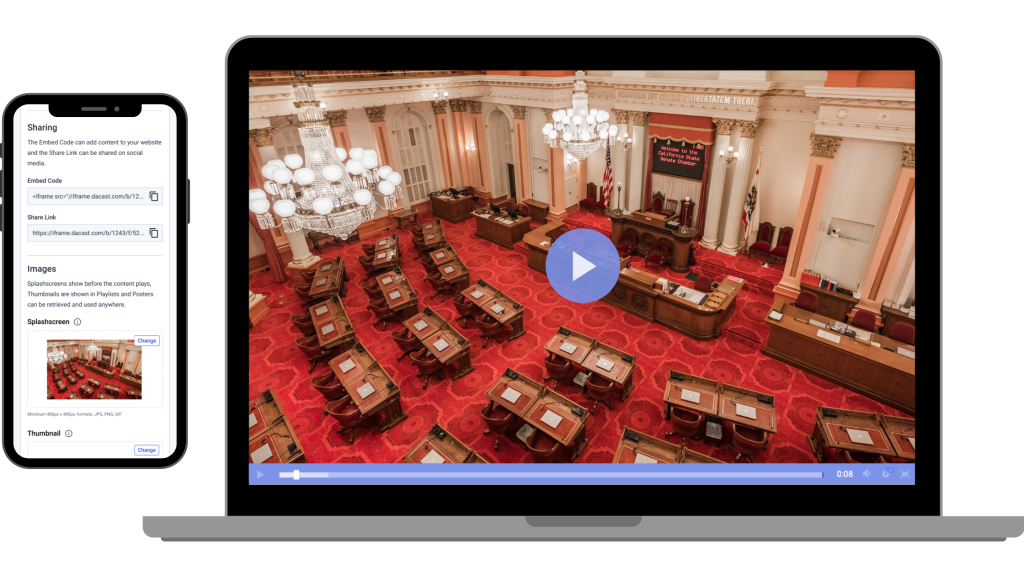
When evaluating a government streaming solution, prioritize:
1. Accessibility
- Captions for live streams (WCAG 1.2.4)
- Support for transcripts/captions workflows (Section 508 guidance is a strong reference point)
2. Reliability and operational simplicity
- stable ingest (RTMP/RTMPS/SRT options depending on platform)
- clear “go live” workflow
- support for backups (secondary internet, backup stream)
3. Security (admin + stream integrity)
Even if the meeting is public, you still need to protect:
- admin access (strong authentication)
- stream keys
- prevention of unauthorized stream takeover
4. Embedding and branding control
- embeddable HTML5 player
- clean “official meeting” page experience
- ability to post notices, agendas, and accessibility instructions
5. Recording, archiving, and records readiness
- automatic recording
- easy VOD publishing
- metadata, chapters, transcripts, and long-term storage options
6. Transparent pricing and procurement fit
Government budgeting typically prefers predictable pricing and clear allowances over surprise overages.
FAQs
1. What do I need to live stream a city council meeting?
A camera (or smartphone), a clear microphone/audio feed, stable internet (wired preferred), an encoder (OBS or hardware), and a professional streaming platform to host and embed the stream.
2. Should we stream on our website or social media?
Do both if possible. Make your website the official source (agenda, accessibility info, archive), and simulcast to social for reach.
3. How much internet upload speed is required for a city council live stream?
Plan for at least 5–10 Mbps upload for a single 1080p stream, plus extra headroom for stability and backups.
4. Do city council live streams need captions?
Best practice in 2026 is live captions for accessibility, and captions/transcripts for archived replays.
5. How do we handle public comments during a live stream?
Use a separate participation link (Zoom/Webex) for speakers, while keeping the public livestream watch-only to avoid disruptions.
6. Should we record and archive city council meetings?
Yes. Record every meeting and post an organized archive with the agenda, timestamps/chapters, and (ideally) a transcript for easy search.
7. What security features matter for government streaming?
Strong admin security (roles/permissions), secure ingest (RTMPS/SRT), protection of stream keys, and controls to prevent stream takeover—even if the meeting is public.
Conclusion

Live streaming city council meetings is one of the simplest ways to increase transparency and public access—without requiring residents to show up in person. In 2026, the best city council live streams are accessible (live captions), easy to find, reliably delivered, and well-archived for replay and public record reference.
If you haven’t yet chosen an online video platform, we recommend taking advantage of Dacast’s 14-day risk-free trial. Our free trial provides access to all of our top tools, including secure streaming, ease of use, custom branding, and more.
Sign up for Dacast today to start your trial.
We also welcome questions in the comment section, below, and we will get back to you. For regular tips and exclusive offers for live streaming, feel free to join our LinkedIn group. Thanks for reading and happy broadcasting!
