



How to Live Stream Weddings and Private Events: Tips, Tools, and Best Practices [2026]
By Dacast Editorial Team | Reviewed by Jon Whitehead, COO at Dacast | Updated April 2026
A wedding is not just an event for the guests in the room. It is a moment that families spread across countries and time zones all want to witness together, and increasingly, they expect the videographer to make that possible. The same holds for milestone private events: a 50th anniversary, a cultural ceremony, a corporate celebration with international attendees. The technology to make remote inclusion real and professional is now accessible to any production team willing to plan it correctly.
This guide covers the complete workflow for live streaming weddings and private events in 2026, including why demand is growing, what equipment and platform you actually need, how to produce a stream that reflects the quality of the event, and how to protect, monetize, and preserve it afterward.
TL;DR
- 1 in 8 couples now livestream their ceremony for distant guests; and remote guest inclusion has become an expected service offering for professional videographers.
- A professional wedding live stream requires a camera, reliable encoder, 10+ Mbps dedicated upload, and a streaming platform with privacy controls.
- Password protection and token-based secure access keep your stream exclusive to invited guests.
- VOD replay gives your clients a permanent keepsake and gives you an upsell through pay-per-view replay access.
- Dacast provides the complete professional toolkit: white-label player, built-in paywall, global CDN delivery, and 24/7 support with no third-party branding.
This guide was written in April 2026 and reflects current professional streaming standards and platform capabilities for live wedding and private event broadcasts.
Table of Contents
- Why Live Streaming Weddings and Private Events Is Growing
- Key Use Cases for Wedding and Private Event Streaming
- What You Need to Live Stream a Wedding or Private Event
- Choosing the Right Streaming Platform
- Best Practices for Streaming Weddings and Private Events
- Can You Monetize a Wedding or Private Event Stream?
- Extending the Life of Your Event with Replay
- Frequently Asked Questions
- Stream Your Wedding or Private Event Like a Professional
Why Live Streaming Weddings and Private Events Is Growing
Around 1 in 8 couples now livestream their ceremony for distant guests, a figure that has remained stable since remote attendance became mainstream. The global live streaming market was valued at USD 56.29 billion in 2025 and is projected to reach USD 158.4 billion by 2035. Events are one of the fastest-growing use cases within that market.
The practical drivers are straightforward. International families cannot all attend in person. Budget constraints mean many guests face a binary choice: attend or miss the event. A professional live stream removes that binary. Remote guests get real-time access. Couples and hosts get documentation, replay value, and the ability to include everyone who matters, regardless of geography.
For professional videographers and event coordinators, live streaming has become a competitive differentiator that extends the value of an existing production setup into a service clients increasingly request.
Key Use Cases for Wedding and Private Event Streaming
Virtual Attendance for Distant Guests
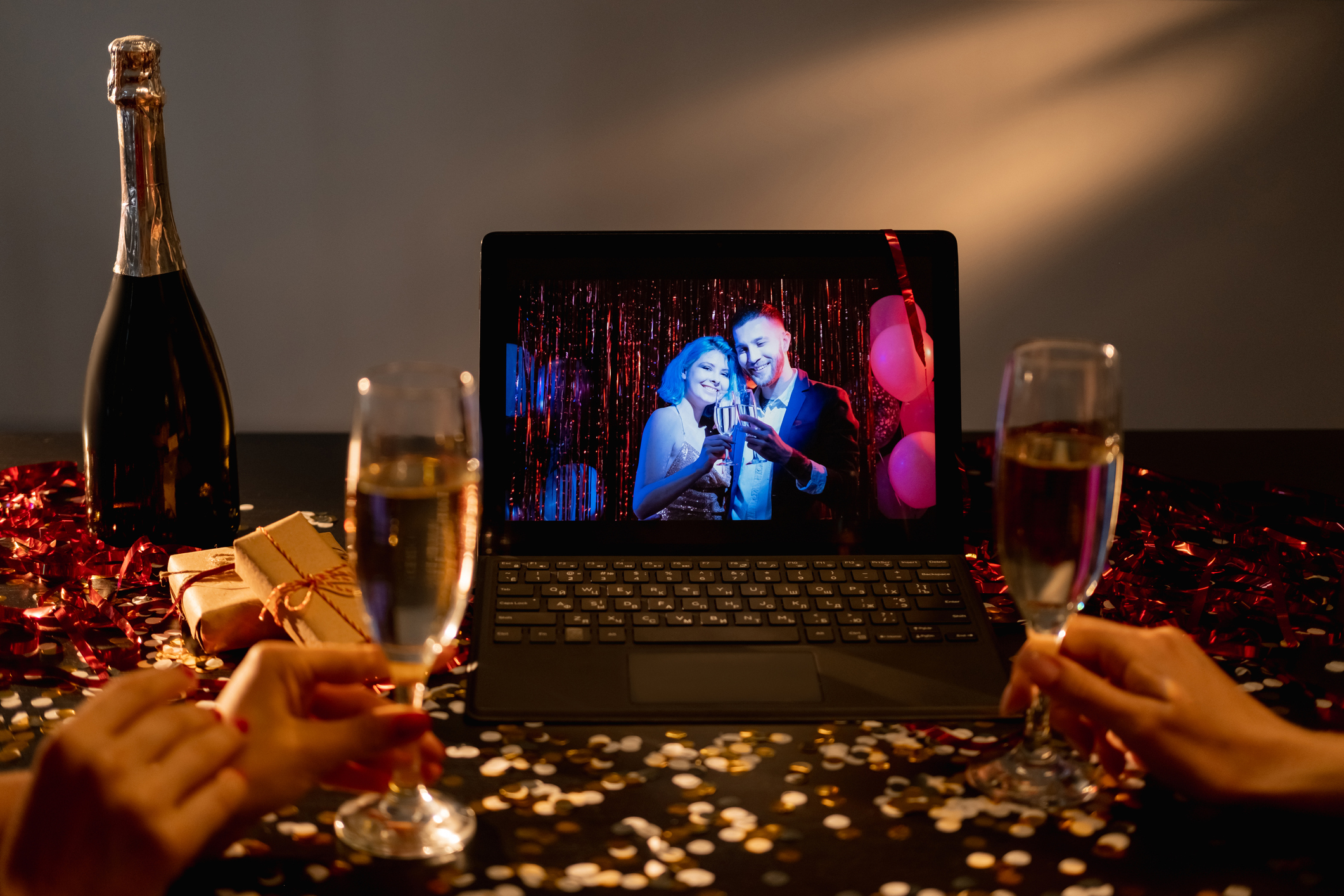
The most common use case you’ll deliver: guests who cannot attend watch the event live from anywhere in the world. The stream delivers the experience of presence, synchronized to the live event. Key requirements: reliable delivery with no buffering at emotional high points, multi-device compatibility (smart TVs to phones), and simple access via a single link with no app download required.
Private Milestones: Birthdays, Anniversaries, Celebrations
A 50th anniversary dinner, a milestone birthday, a corporate awards ceremony: streaming these events extends the guest list without expanding the venue. For events with a paying audience, built-in paywall functionality turns the stream into a revenue line. A private concert with 200 in-room guests and 500 remote viewers paying $20 each generates $10,000 in gross revenue from an asset the production team is already building.
Hybrid Celebrations: In-Person and Online Together
A hybrid event runs simultaneously as an in-person gathering and a live broadcast. Couples who design the streaming experience as part of the event (not as an afterthought) produce better outcomes for both audiences, and it’s your job to guide that conversation early. Hybrid setups require dedicated streaming cameras that do not interfere with in-room videography, microphone placement that captures ceremony audio clearly for remote viewers, and a streaming encoder operating independently from the main video production.
Cultural and Religious Ceremonies with Global Audiences
Multi-day South Asian weddings, diaspora ceremonies, religious milestones: these events create natural demand for live streaming at scale. Privacy and access control are critical here and your platform choice is what makes or breaks that trust with the client. Password protection and token-secured access ensure the stream is visible only to the intended family and community, not publicly indexed or forwarded beyond the invited audience.
Multi-Camera Cinematic Productions
Professional videographers increasingly offer multi-camera live streaming as a premium service tier – a dedicated streaming setup producing a clean director’s cut for remote viewers in real time. Social platforms are wrong for this use case: they add unwanted branding, lack privacy controls, and cannot integrate a paywall. A white-label professional platform delivers the stream under the videographer’s or client’s brand, with full access control.
What You Need to Live Stream a Wedding or Private Event
A professional wedding stream has five components. Each depends on the others performing correctly.
Cameras
Entry-level: a single DSLR, mirrorless, or camcorder positioned with a clear sightline to the officiant and couple. Professional: two or three cameras mixed through a hardware switcher (Blackmagic ATEM Mini Pro is the standard at this scale) or software like OBS Studio or vMix. Mobile option: a modern smartphone on a stable tripod with a USB-C ethernet adapter is a viable starting point for budget productions.
Audio
Camera-mounted microphones positioned 20 feet from the ceremony capture ambient noise, not vows. The right approach: a lavalier microphone on the officiant feeding into an audio mixer, or a direct feed from the venue’s sound system into the encoder’s audio input. Test both options during your venue walkthrough. Audio quality separates professional streams from amateur recordings more than any camera upgrade.
Encoder
Software: OBS Studio (free) running on a dedicated laptop handles most wedding stream setups. Configure H.264 codec, CBR rate control, 2-second keyframe interval, and AAC audio at 128 Kbps. vMix (paid) adds professional multi-camera switching and graphics. Hardware: a dedicated device like the Teradek Vidiu X eliminates the risk of encoder failure on productions where there’s no second take..
Internet Connection
Minimum: 10 Mbps dedicated upload for a single 1080p stream. Drop below that and viewers start seeing buffering; usually right at the moment that matters most. Preferred: 15–20 Mbps sustained. Negotiate a hardwired ethernet connection from the venue’s router to your encoding position and test it 48 hours before the event with a 30-minute continuous upload speed test. For venues where wired connections are unavailable, a 4G/5G cellular bonded connection (LiveU Solo, Teradek Bond) provides venue-independent reliability. Shared venue WiFi without a backup is not a professional plan.
Adaptive bitrate (ABR) streaming reduces the impact of viewer-side connection variability. Dacast delivers multiple quality renditions simultaneously (1080p, 720p, 480p) and automatically routes each viewer to the version that matches their connection speed via its Akamai CDN partnership. See Dacast’s guide to adaptive bitrate streaming for technical details.
Streaming Platform
The platform receives your RTMP output, distributes it via CDN to viewers, and hosts the VOD replay. For private events, platform choice determines privacy, branding, access control, and monetization capabilities, becoming the most consequential decision you’ll make in the whole setup.
Choosing the Right Streaming Platform
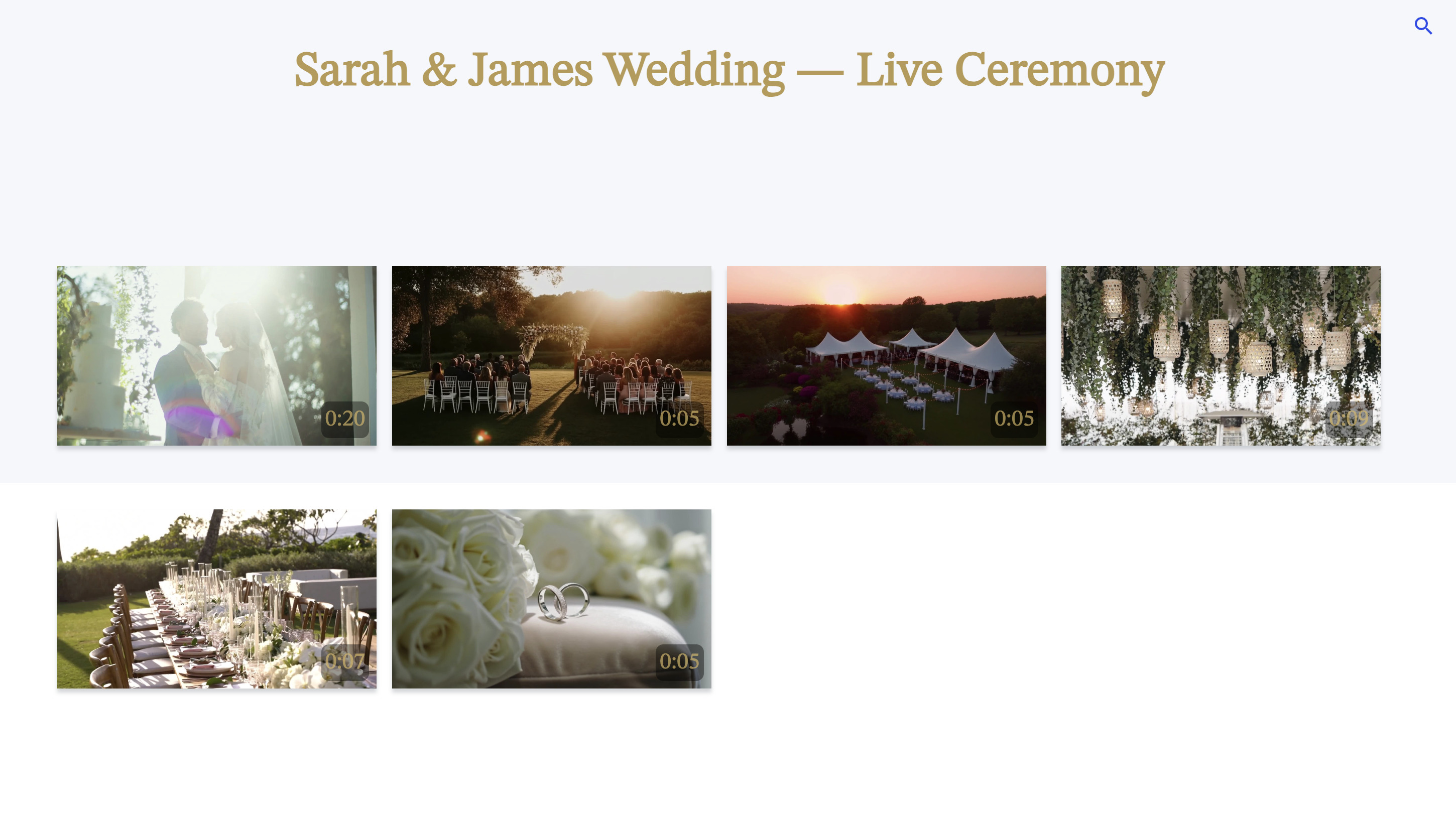
YouTube and Facebook Live are built for public broadcast, not private events. They add third-party branding to every stream, cannot restrict access to invited guests, and have no integrated paywall. For weddings and private events, the right platform must deliver four important features:
- Privacy and access control. Dacast supports password-protected streams, token-based secure access links (unique per viewer, time-limited), domain restrictions, and IP whitelisting. A password in your digital invitations handles most weddings. Token-based security handles events where link-forwarding is a real concern. For more on this, see Dacast’s guide to secure video hosting.
- White-label player. The viewing experience should reflect the couple’s or client’s identity. Dacast’s fully customizable HTML5 player embeds on your website with no Dacast branding visible. YouTube forces its interface and algorithm-driven recommendations into every embed — not appropriate for a private ceremony.
- Global CDN delivery and built-in paywall. A wedding with 300 remote guests across 15 countries needs Akamai-backed edge delivery reaching all of them without buffering. For ticketed events, Dacast’s PPV paywall handles payment processing, access link generation, and viewing window controls with no third-party integration. For a broader overview, see Dacast’s guide to video monetization.
- 24/7 support. A ceremony does not pause for troubleshooting. Dacast’s support team is available via phone, chat, and email throughout your event, not just during business hours. That is a differentiator that YouTube, Vimeo, and most streaming services in this category do not offer.
Platform Comparison:
| Feature | Dacast | YouTube Live | Facebook Live | Vimeo |
| Password Protection | ✓ Full | ✗ (unlisted only) | ✗ | ✓ Paid plans |
| White-Label Player | ✓ Full | ✗ | ✗ | ✓ Partial |
| Built-in Paywall | ✓ PPV + SVOD | ✗ (memberships only) | ✗ (fan subscriptions only) | ✓ Limited |
| Token-Based Security | ✓ | ✗ | ✗ | ✓ Partial |
| Automatic VOD Archive | ✓ | ✓ | ✓ (limited) | ✓ |
| Akamai / Multi-CDN | ✓ | Google CDN | Meta CDN | Limited |
| 24/7 Live Support | ✓ | ✗ | ✗ | ✓ Tier-based (Premium/Enterprise) |
| No Third-Party Ads | ✓ | ✗ | ✗ | ✓ Paid plans |
Best Practices for Streaming Weddings and Private Events
Plan 4–6 Weeks Out
Start the streaming conversation with your client or coordinator at least 4–6 weeks before the event. Confirm the venue’s internet infrastructure, negotiate a dedicated wired connection, identify power placement for the encoder, and coordinate with photographers, DJs, and officiants on microphone routing. A streaming setup that surprises other vendors on event day creates friction that shows up in the recording.
Run a Full Technical Rehearsal
Test your complete signal chain at the venue 48 hours before the event: camera → switcher → encoder → platform. Send a private test stream and check it on a TV, laptop, and phone. Run a 30-minute continuous upload speed test. Problems discovered in rehearsal get fixed before the event. Problems discovered during the first dance do not. Have your cellular backup configured and tested before you need it, not after the primary connection fails.
Camera Positioning and Audio
Position your primary streaming camera for story coverage: the couple and officiant in the same wide frame, slightly elevated from the aisle, far enough back for a clean composition. Never block in-room guest sightlines — dedicated streaming rigs should be unobtrusive. For audio, a clean lavalier feed or direct venue audio mix is non-negotiable. The difference in perceived stream quality between a direct audio feed and a room microphone is more significant than any camera upgrade.
Guest Communication and Engagement
Share the stream link and access instructions with your client at least 48 hours before the event, including compatible devices, login instructions, and a technical contact. Start your stream with a countdown graphic 20–30 minutes before the ceremony — it confirms the stream is live and keeps early viewers from wondering if they have the right link. For hybrid events, a moderated chat on your event page adds participation for remote guests without disrupting the ceremony.
Can You Monetize a Wedding or Private Event Stream?
For most personal weddings, the stream is free to invited guests. But as a videographer, monetization is where live streaming shifts from an add-on to a revenue line. Whether through ticketed productions, community events, or premium replay packages you sell directly to clients.
Pay-per-view works for events where remote attendance has genuine commercial value: a private concert, a cultural event connecting diaspora communities, a high-profile celebration. $10–25 per household is the established range. Dacast’s built-in paywall handles payment processing, access control, and promo codes in the same dashboard as the live channel.
Premium VOD replay is the most applicable monetization model for wedding productions. The live stream is free to invited guests, so the permanent keepsake replay ($15–30 for 90-day or permanent access) is a natural upsell. Including VOD replay as part of your streaming tier gives clients a tangible post-event deliverable and gives you a clear upsell that standard videography packages don’t offer.
Extending the Life of Your Event with Replay
The live stream is a one-time broadcast. The VOD recording is a permanent asset. Getting both from the same production investment is one of the clearest value propositions in event streaming. Guests in time zones where the ceremony runs at 3:00 AM watch the replay at a reasonable hour. Guests who experienced access issues during the live event watch the recording without interruption. The couple watches their ceremony from the outside perspective a well-placed camera provides.
Dacast automatically archives the live stream as a VOD recording at the end of the broadcast — no separate recording workflow required. The recording is immediately available on the same channel with the same access controls. Replay access can remain private, open to a broader audience after the event, or monetized separately. Short clips from the VOD — the vow exchange, first dance, a memorable speech — can be delivered as part of a digital keepsake package. See Dacast’s video on demand guide for how VOD hosting works in practice.
Frequently Asked Questions
How much should I charge to live-stream a wedding?
A professionally produced wedding live stream typically bills at $300 to $2,500+ depending on setup complexity, strong added revenue when you’re already on site with your gear.
Dacast plans start at $39/month with a 14-day free trial, no credit card required. For videography businesses, the platform cost is a minor line item relative to the service revenue it enables.
What equipment do I need for a wedding livestream?
At minimum: one camera with HDMI output, a lavalier microphone or venue audio feed, a laptop running OBS Studio, and a wired internet connection with 10+ Mbps sustained upload.
For a professional setup: two or three cameras, a Blackmagic ATEM Mini Pro switcher, a dedicated hardware encoder, and a cellular bonded backup connection. See Dacast’s live streaming equipment guide for a full breakdown.
Can I Live-Stream a wedding for free?
Free platforms like YouTube carry no subscription fee but add branding, remove privacy controls, and cannot restrict stream access to invited guests only. Tradeoffs that make them unsuitable for most private ceremonies.
For the production side, OBS Studio is free and Dacast’s free trial covers the platform cost. The real costs are equipment, internet access, and setup time.
What is the best platform for private event streaming?
For private events where access control, white-label branding, and post-event replay matter, Dacast is the only platform in this category that combines all of it in one place: password protection, token-based secure access, a fully white-label HTML5 player, Akamai CDN delivery, automatic VOD archiving, and 24/7 live support in a single platform. YouTube and Facebook Live are not appropriate for private events.
How do I keep a wedding livestream private for my client?
Configure your Dacast channel with password protection before sharing the stream link. Include the password in digital invitations alongside the stream URL. For higher-security events, use token-based security: Dacast generates a unique, time-limited access link per viewer that cannot be forwarded to uninvited guests.
Can I offer pay-per-view access for a private event?
Yes. Dacast’s built-in pay-per-view paywall handles ticketed access for any event type. Set your price, configure the access window (24 hours, 7 days, or permanent), and share the paywall link with your remote audience. For weddings, pay-per-view is most commonly applied to VOD replay access rather than the live ceremony, but both models are fully supported.
How do I stream a wedding with multiple cameras?
Mix your camera feeds through a hardware or software switcher into a single output, then send that output to your encoder. The Blackmagic ATEM Mini Pro handles up to four HDMI inputs and outputs directly to USB-C for encoding — the standard for this production scale. OBS Studio (free) and vMix (professional) both handle multi-camera switching in software. The encoder sends a single RTMP stream to your Dacast channel.
Can I offer replay access to clients after the event?
Yes. Dacast automatically archives your live stream as VOD immediately after the broadcast ends. The replay is available on the same channel with the same access controls: private, open, or monetized separately as you choose. No separate recording setup required, it’s a deliverable you can include in your package or sell as an upsell.
Stream Your Wedding or Private Event Like a Professional
Live streaming a wedding or private event for your clients is not complicated when the right tools are in place. Clean video, solid audio, reliable upload bandwidth, and a platform built for private events are what separate a professional stream from a failed one. The emotional stakes of a wedding or milestone event mean there is no version of “we’ll fix it next time.”
Dacast gives videographers, event coordinators, and production teams the infrastructure to do it right: white-label player, built-in paywall, token-secured private access, Akamai CDN delivery, automatic VOD archiving, and 24/7 live support from a platform that starts at $39/month.
Sign up for a free 14-day Dacast trial today with no credit card required. Configure your first channel, run a private test stream, and see how the full workflow comes together before your first event.
For exclusive offers and live streaming tips, you can join our LinkedIn group.
